
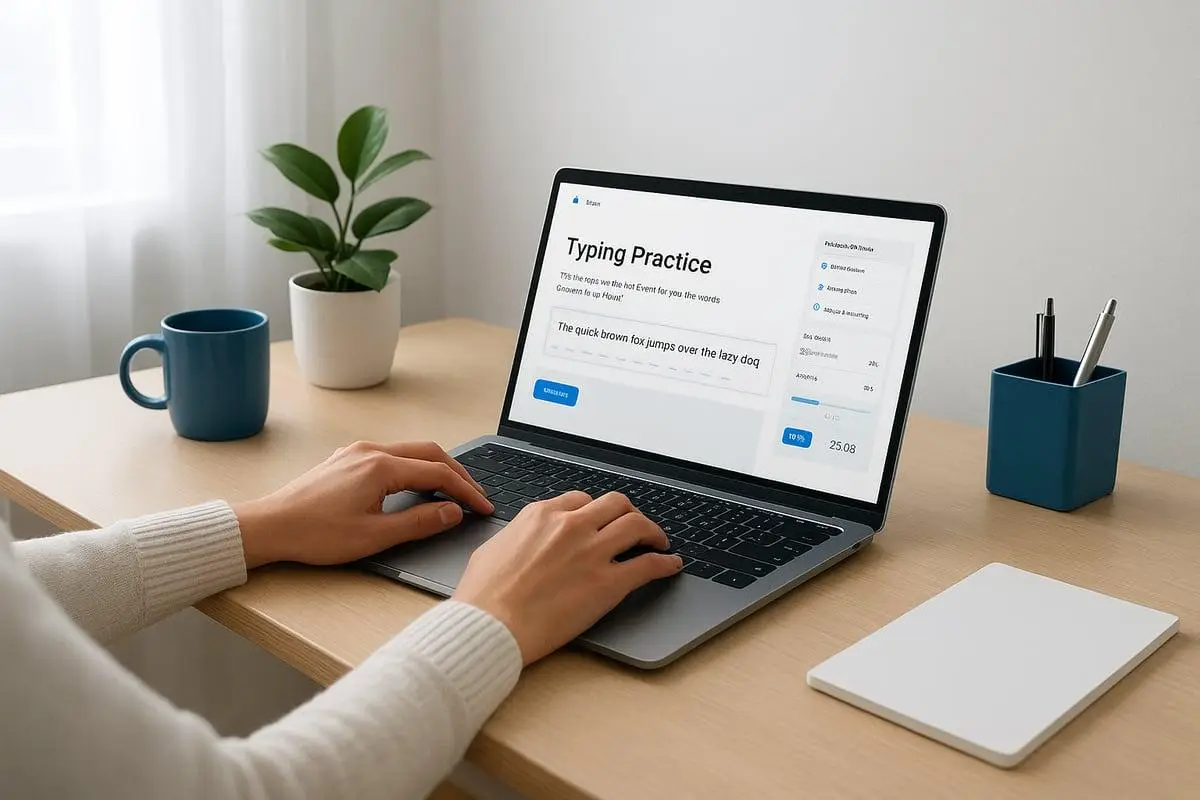
TIPING.com is one of the most useful skills in today’s digital world. Students use keyboards to complete assignments, office workers type emails and reports, freelancers write content for clients, and job seekers often need typing skills for online assessments. Even everyday computer users can benefit from typing faster and more accurately.
But how can you measure your typing speed without installing software or paying for a course? A browser-based typing test can provide a quick answer. TIPING.com is an online platform designed for people who want to test their typing speed, measure accuracy, practice keyboard skills, and make improvement more enjoyable through games and challenges.
The platform offers timed typing tests, different typing settings, daily goals, and interactive practice features. It is designed to make typing practice accessible through a browser, whether someone is using a desktop computer, laptop, or supported mobile device
Unlike a traditional typing class, an online typing test allows users to begin practicing without necessarily committing to a formal course. You can test yourself, review your performance, and try again to see whether your results change.
In this guide, we will explain what the website offers, how its typing tests work, its main features, benefits, limitations, safety considerations, and practical strategies for improving typing speed and accuracy.
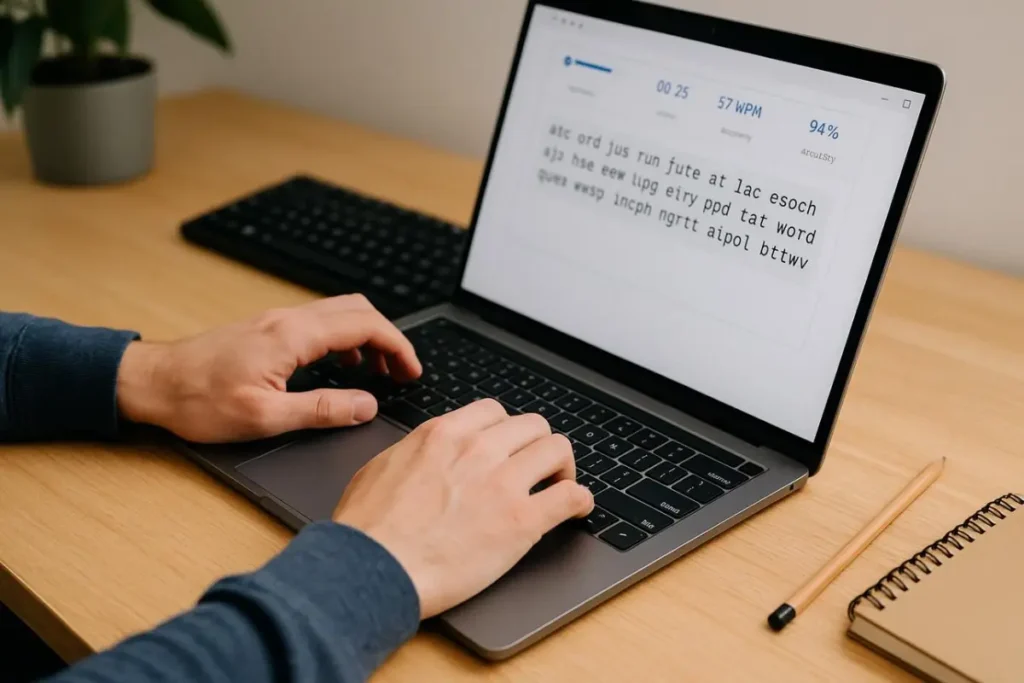
A related grammar guide is Team Aelftech.com Explained: Website, Team, Services, Features.
What Is TIPING.com?
TIPING.com is a browser-based typing platform that allows users to test their typing speed and accuracy through timed exercises and interactive practice activities.
The platform presents itself as an independent typing website. Its main purpose is to help users measure how quickly they type, see how accurately they enter text, and practice their keyboard skills.
Instead of requiring a traditional typing course, the website focuses on short typing sessions that users can repeat whenever they want to practice.
The platform’s homepage includes several test durations, typing options, daily and weekly goals, and a practice interface. Its reported features also include typing games and ways to compare performance with previous results.
The website may be useful for people who want to improve everyday computer skills, prepare for typing assessments, build confidence when using a keyboard, or simply see how fast they can type.
It is important to distinguish TIPING.com from Typing.com. Although their names look similar, they are separate websites with different features and purposes.
Main Features of TIPING.com
The website offers several features designed to make typing tests and practice sessions more accessible.
1. Timed Typing Tests
Timed typing tests are the central feature of the platform.
Users can select different durations to measure how many words or characters they can type within a set period.
The available test durations make it possible to practice briefly or spend more time evaluating your performance.

A short test can help you quickly check your performance. A longer test can help you understand whether you maintain the same speed as time passes.
For example, someone who performs well during a 15-second test may find that their speed decreases during a two-minute test. Longer sessions can reveal whether fatigue, concentration, or accuracy affects their performance.
2. Words Per Minute Measurement
Words per minute, commonly called WPM, is one of the most widely used measurements of typing speed.
It represents how many standardized words a person can type in one minute.
Typing tests generally use a standard word length of five characters, including spaces and punctuation, to calculate WPM.
The basic formula is:
WPM = Correct characters ÷ 5 ÷ Time in minutes
For example, if someone types 300 correct characters in one minute, the calculation is:
300 ÷ 5 ÷ 1 = 60 WPM.
This means the typing speed is approximately 60 words per minute under the standard calculation.
WPM makes it easier to compare typing performance across different test sessions.
However, typing speed alone does not tell the whole story. Accuracy, consistency, and the ability to type unfamiliar text are also important.
3. Accuracy Tracking
Typing accuracy measures how correctly you reproduce the text provided by the typing test.
A person who types quickly but frequently makes mistakes may not perform as well as someone who types slightly slower with better accuracy.
Accuracy matters because mistakes can create extra work when writing emails, completing assignments, preparing documents, or entering information into business systems.

For beginners, focusing on accuracy first is often a better strategy than chasing a high WPM score.
Once typing becomes more consistent, speed can improve naturally through practice.
4. Punctuation and Number Settings
The website includes options for practicing text that contains punctuation and numbers.
These settings can make typing exercises more challenging because numbers and punctuation marks often require different finger movements and keyboard positions.
Practicing these elements can help users become more comfortable typing:
- Periods and commas
- Apostrophes
- Question marks
- Exclamation marks
- Numbers
- Other punctuation marks
These skills are especially useful when typing emails, business documents, reports, spreadsheets, and online forms.
5. Daily and Weekly Goals
TIPING.com displays daily and weekly goals designed to encourage regular practice.

Goals can help users develop a consistent routine instead of practicing only when they feel motivated.
A daily typing goal may encourage someone to complete a few short tests. Weekly goals can help maintain a longer-term practice habit.
Consistency is often more useful than occasional long sessions.
For example, practicing for five minutes each day may help build familiarity with the keyboard more effectively than practicing for an hour once every two weeks.
6. Typing Games
Typing games can make practice more enjoyable by adding interactive challenges.

Traditional typing exercises can sometimes feel repetitive. Games may encourage users to keep practicing by making the activity feel more entertaining.
Typing games can help reinforce keyboard familiarity, improve reaction time, and encourage repeated practice.
They may be particularly appealing to younger learners, students, and people who enjoy competitive challenges.
However, games should complement focused typing exercises rather than replace all structured practice.
7. Personal Performance Tracking
Performance tracking can help users evaluate their progress.
Instead of relying on memory, users can compare their results across different sessions and observe changes in speed and accuracy.
Tracking performance can help answer questions such as:
- Is my typing speed improving?
- Am I making fewer mistakes?
- Do longer tests affect my performance?
- Are numbers and punctuation slowing me down?
- Do I perform better when I practice regularly?
The website says that typing test history is stored locally on the user’s device. This is a useful distinction to understand when evaluating how the platform describes its privacy practices.
8. Browser-Based Accessibility
TIPING.com is designed to work through a browser rather than requiring users to download a dedicated desktop application for standard typing practice.
This makes the platform convenient for people who want to practice from a laptop or desktop computer.
Its homepage also describes support for mobile keyboards, with the interface adapting so the text remains visible above the phone’s native keyboard.
However, typing performance on a phone is not directly comparable to performance using a physical keyboard. If your goal is to improve computer typing, practice with the keyboard you expect to use for school, work, or professional assessments.
Why Typing Speed Matters in Everyday Life
Typing is no longer a skill used only by office workers. People across different professions and age groups use keyboards every day.
Improving typing speed and accuracy can make many digital tasks easier.
For Students
Students use keyboards to write essays, complete assignments, participate in online learning, and prepare presentations.
Better typing skills can make it easier to focus on ideas rather than constantly searching for keys.
When students become more comfortable with typing, they may spend less time entering text and more time organizing, editing, and reviewing their work.
Typing practice can also help students prepare for online exams and digital assignments.
For Office Workers
Office workers often type emails, reports, meeting notes, spreadsheets, and other documents.
Typing comfortably can help reduce unnecessary delays during everyday tasks.
However, typing speed is only one part of workplace productivity. Communication, organization, accuracy, and attention to detail are equally important.
For Freelancers and Content Writers
Freelancers, bloggers, copywriters, editors, and virtual assistants frequently use keyboards to complete projects.
A comfortable typing speed can make writing and communication more efficient.
For writers, typing faster may help capture ideas without interrupting the flow of thought too frequently.
Still, writing quality matters more than raw speed. Clear ideas, good research, thoughtful editing, and proper grammar remain essential.
For Job Seekers
Some employers use typing tests during hiring processes for administrative, customer support, data entry, and office-related positions.
Practicing typing can help candidates feel more confident during these assessments.
A typing test may also help job seekers identify whether they need to improve speed, accuracy, or familiarity with numbers and punctuation.
For Everyday Computer Users
Even people who do not use computers professionally can benefit from typing practice.
Writing messages, searching online, filling out forms, managing personal documents, and communicating with family become easier when typing feels comfortable.
How to Improve Your Typing Speed Using TIPING.com
Typing improvement does not require complicated training. A simple routine and consistent practice can help you develop better keyboard habits.
1. Focus on Accuracy Before Speed
One of the most common mistakes beginners make is trying to type as fast as possible.
When you rush, you may make more mistakes, press incorrect keys, and develop inconsistent habits.
Start at a comfortable pace and aim for fewer errors.
Once your accuracy becomes more consistent, increase your speed gradually.
2. Practice for Five to Ten Minutes Daily
Short practice sessions can be easier to maintain than long sessions.
You can use the typing tests on TIPING.com to create a simple daily routine.
For example:
- Two minutes of warm-up typing
- Two short typing tests
- One longer test
- A few minutes of focused practice on difficult keys
This routine does not need to be complicated.
The important part is repeating the practice regularly and making small adjustments when necessary.
3. Learn Proper Finger Placement
Proper finger placement helps you reach keys more efficiently.
The traditional home-row position places the left-hand fingers on A, S, D, and F, while the right-hand fingers rest on J, K, L, and the semicolon key.
Your thumbs generally handle the spacebar.

The home row provides a starting position for reaching other keys without constantly looking down.
Learning this technique may feel uncomfortable at first, particularly if you have developed a habit of typing with only a few fingers.
However, practicing proper finger placement can help build more consistent keyboard habits.
4. Avoid Looking at the Keyboard
Looking at the keyboard while typing can slow you down because your attention shifts between the screen and the keys.
Try to keep your eyes on the text you are typing.
You may make mistakes initially, but gradually learning the keyboard layout can improve your familiarity with key positions.
If you are a beginner, do not expect to master touch typing immediately.
Allow yourself time to develop muscle memory.
5. Practice Difficult Keys
Everyone has keys that feel less comfortable than others.
Some people struggle with punctuation. Others find numbers, capital letters, or specific letter combinations difficult.
Use your typing results to identify these weak areas.
If you frequently make mistakes with particular keys, spend a few minutes practicing them instead of repeating the same general exercise every time.
Focused practice can make your sessions more productive.
6. Use Longer Tests Occasionally
Short typing tests are convenient, but they may not reveal your performance over longer periods.
Try a 60-second or 120-second test occasionally.
Longer sessions can help you understand whether you maintain accuracy, concentration, and speed over time.
They may also help you prepare for typing assessments that require sustained performance.
7. Practice Numbers and Punctuation
Typing letters alone is not enough for many professional tasks.
Emails, reports, spreadsheets, forms, and financial documents often contain numbers and punctuation.
Practice these elements regularly to become more comfortable with different keyboard positions.
8. Maintain a Comfortable Posture
Typing practice should not involve unnecessary strain.
Sit comfortably, keep your shoulders relaxed, and position your keyboard so your wrists and arms are not forced into uncomfortable angles.
Avoid pressing keys harder than necessary.
If your hands feel uncomfortable, take a break.
Practice should build skills without creating excessive physical strain.
9. Track Your Progress
Write down your WPM and accuracy results occasionally.
You can compare your performance from one week to another and identify patterns.
For example, you may notice that accuracy improves when you slow down or that longer tests produce better results after regular practice.
Progress tracking helps you focus on improvement instead of becoming discouraged by a single test score.
What Is a Good Typing Speed?
Typing speed varies depending on experience, task requirements, and the type of keyboard used.
The following table provides a general guide for understanding common typing speeds.
| Typing Speed | General Description |
|---|---|
| 20–30 WPM | Beginner or developing typing skills |
| 30–40 WPM | Comfortable basic typing |
| 40–60 WPM | Solid everyday typing speed |
| 60–80 WPM | Faster-than-basic typing for many tasks |
| 80–100 WPM | Advanced typing speed |
| 100+ WPM | Very fast typing performance |
These are general benchmarks, not universal standards. Different jobs, assessments, languages, keyboards, and test formats may use different expectations.
A typing speed of 40 WPM is often sufficient for many everyday computer tasks.
Some jobs may require higher speeds, particularly positions involving transcription, data entry, or substantial text-based work.
Accuracy should always be considered alongside speed.
Many readers also check FintechZoom.io Stock Market Course: Features, Lessons, Benefits.
TIPING.com vs. Typing.com: What Is the Difference?
The names TIPING.com and Typing.com are similar, but the websites are separate platforms.
This distinction is important because users may accidentally visit one website while intending to use the other.

| Feature | TIPING.com | Typing.com |
|---|---|---|
| Main purpose | Quick typing tests and practice | Structured typing education and digital literacy |
| Timed tests | Available | Available |
| Typing games | Available | Available |
| Practice approach | Short tests, challenges, and games | Guided lessons and educational curriculum |
| Daily practice | Goals and practice sessions | Lessons and educational activities |
| Classroom tools | Not verified as a comparable offering | Teacher and classroom tools |
| Digital literacy | Not verified as a broad curriculum | Broader digital-literacy learning |
| Primary audience | Individuals wanting quick typing practice | Students, educators, and learners |
TIPING.com appears to focus on quick typing tests, practice games, personal performance, and short sessions.
Typing.com offers a broader educational platform with structured lessons, teacher tools, digital literacy, and additional educational activities.
Which Website Should You Choose?
Choose TIPING.com if you want to:
- Take a quick typing-speed test.
- Practice typing without a formal lesson sequence.
- Try short typing challenges.
- Use typing games.
- Check your speed and accuracy.
Choose Typing.com if you want to:
- Follow structured typing lessons.
- Use a broader educational curriculum.
- Access teacher or classroom tools.
- Explore digital literacy and related learning activities.
Both websites may serve different learning needs. The better option depends on whether you want quick practice or a more structured educational experience.
Is TIPING.com Free?
The website’s homepage describes TIPING.com as a free typing platform.
Its advertised typing tests and practice experience are presented as accessible through a browser, without a required subscription for the basic activities described.
This may make it appealing to users who want to practice typing without paying for a typing course.
However, website features, terms, and availability can change. Check the current website directly if you encounter any payment requests or additional service options.
Is TIPING.com Safe to Use?
TIPING.com describes itself as an independent browser-based typing platform and states that its typing history is stored locally on the user’s device.
According to its homepage FAQ, the website stores typing results such as WPM, accuracy, and date locally, and says the actual text users type is not sent to a server.
These are website-provided privacy statements, not an independent security audit.
Here are some practical safety tips to keep in mind:
- Visit the correctly spelled domain.
- Avoid downloading unfamiliar software.
- Do not enter sensitive personal information unnecessarily.
- Review the website’s privacy policy.
- Avoid using passwords or confidential information as typing practice text.
- Be cautious if you encounter unexpected payment requests.
- Keep your browser updated.
For a standard typing test, users generally do not need to enter sensitive personal information.
The website’s stated local-storage approach may be useful from a privacy perspective, but visitors should not interpret it as proof that every aspect of the website’s data handling has been independently verified.
Who Should Use TIPING.com?
TIPING.com may be useful for people with different typing goals.
Beginners
Beginners can use short tests to become more comfortable with a keyboard and measure their starting performance.
Students
Students may practice typing to improve their ability to complete assignments, essays, and digital coursework.
Job Seekers
People preparing for typing assessments can use timed tests to practice under conditions similar to those used in some hiring processes.
Office Professionals
Office workers can use typing tests to monitor their typing performance and identify areas that need improvement.
Freelancers
Freelancers who frequently communicate through text or prepare documents may benefit from consistent typing practice.
Casual Users
People who simply want to see their typing speed or enjoy typing games can explore the website without necessarily having a professional goal.
Frequently Asked Questions
What is TIPING.com used for?
TIPING.com is an online typing practice platform used to measure typing speed, accuracy, and consistency. It offers timed tests and practice-related features.
Is TIPING.com free?
The website describes its typing platform as free. Check the current website for the latest terms and available features.
Is TIPING.com the same as Typing.com?
No. They are different websites. TIPING.com focuses on typing tests, games, and quick practice, while Typing.com offers a broader educational platform with structured lessons and digital literacy tools.
Can beginners use TIPING.com?
Yes. Beginners can use short typing tests to understand their starting speed and practice regularly. Starting slowly and focusing on accuracy is a sensible approach.
Does TIPING.com offer typing games?
Yes. Its platform includes typing-game features designed to make practice more engaging.
What typing test durations are available?
The homepage lists 15-second, 30-second, 60-second, and 120-second test options.
What does WPM mean?
WPM stands for words per minute. It is a standard measurement of typing speed that estimates how many standardized words a person types in one minute.
Does TIPING.com store what I type?
According to the website’s FAQ, it stores typing results locally on your device and does not send the actual text typed to a server. This is a website-provided statement rather than an independently verified security finding.
Can I use TIPING.com on my phone?
The website says its mobile typing test supports a phone’s native keyboard and adjusts the interface so text remains visible above the keyboard.
How can I improve my typing speed?
Practice regularly, focus on accuracy, learn proper finger placement, avoid looking at the keyboard, practice difficult keys, and gradually increase test durations.
Many readers also check Fundfireinsight.com Review 2026: Is It Legit or Safe to Use?.
Final Thoughts
TIPING.com is a browser-based typing platform designed to help users measure typing speed, practice accuracy, and make keyboard exercises more enjoyable through timed tests and games.
Its short test options, daily goals, and interactive practice features make it a potentially convenient resource for beginners, students, job seekers, freelancers, and everyday computer users.
The website’s biggest appeal is its straightforward approach. Users can practice without necessarily enrolling in a formal typing course, and its short test formats can make it easier to build a consistent routine.
However, typing speed should not be the only measure of improvement. Accuracy, comfort, consistency, and the ability to type different kinds of text are equally important.
If you want to improve your typing skills, start with a short test, establish a comfortable pace, and practice regularly. Gradual improvement is more valuable than chasing a high score without developing good typing habits.

Nusrat Basheer is a website review writer who helps readers discover useful websites, understand online services, and make informed decisions through clear, reliable, and easy-to-understand reviews.